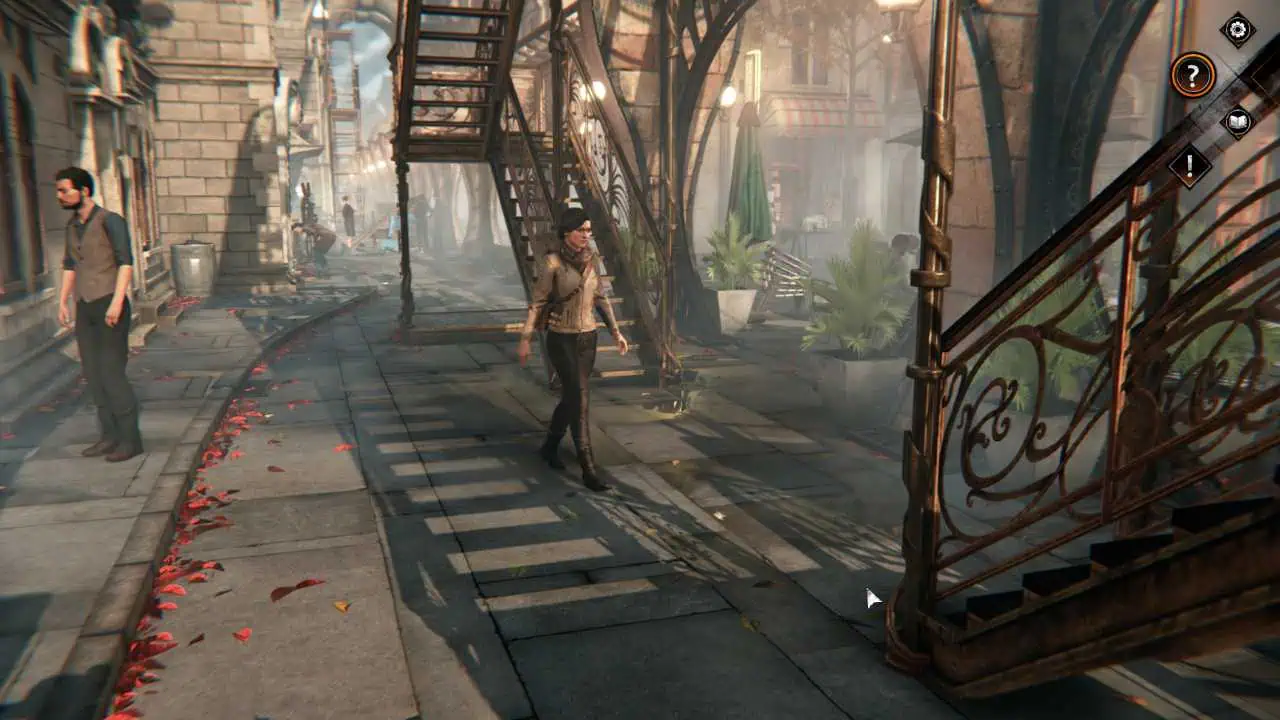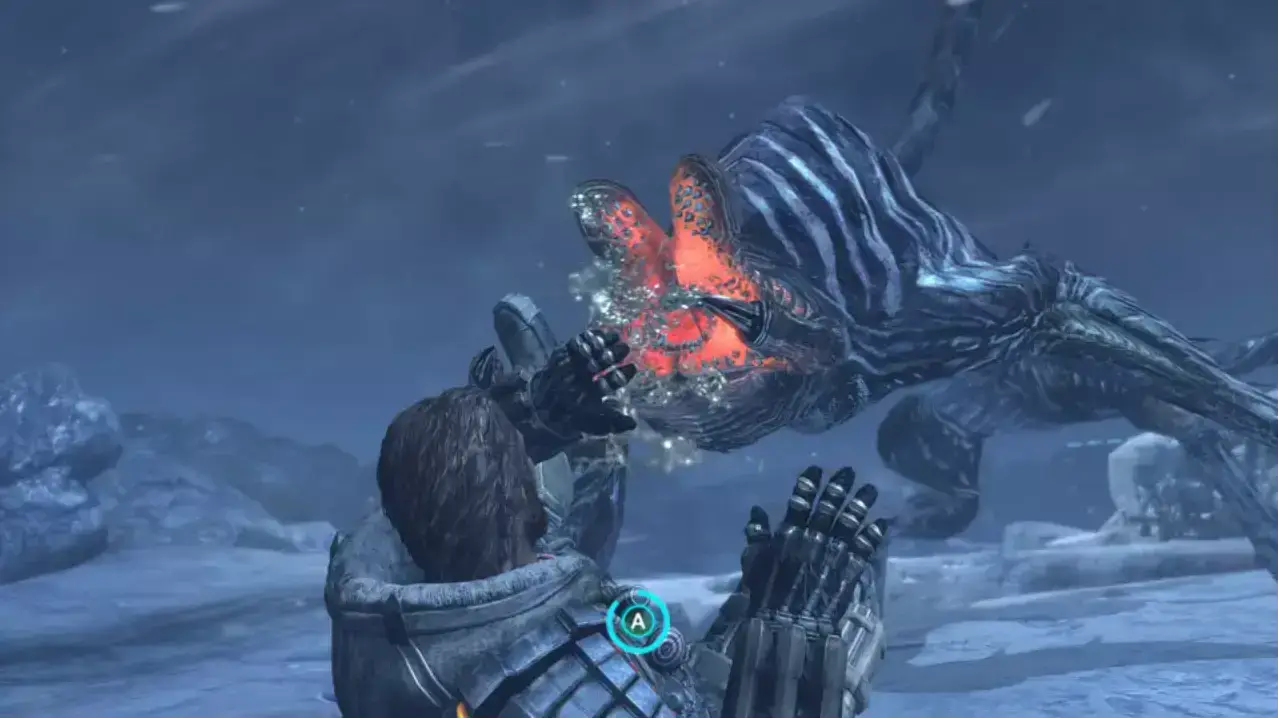
Download No One Lives Forever 2: A Spy in H.A.R.M.’s Way PC Game. Here is a direct link to download No One Lives Forever 2: A Spy in H.A.R.M.’s Way latest version (v1.3) for free. No One Lives Forever 2: A Spy in HARM’s Way is developed by Monolith Productions and published by Fox Interactive, Sierra Entertainment. It was released on 30 September 2002 for Windows PC and is considered one of the best in the Action and Shooter genre.
Game Info
- Game Name: No One Lives Forever 2: A Spy in H.A.R.M.’s Way
- Released: 30 September 2002
- Genre: Action, Shooter
- Publisher: Fox Interactive, Sierra Entertainment
- Size: 672 MB
- Edition Type: Repack
- Source: dixen18
Download No One Lives Forever 2: A Spy in H.A.R.M.’s Way (v1.3) for Free
How to Download & Install Games from GamesLeech?
Installation
- Before starting the installation, it is recommended to shut down background programs, including antiviruses!
- Start setup.exe.
- Follow the installer’s instructions, if necessary, checking the necessary items of the Components.
- Wait for the installation of the game to finish (the right progress bar shows the overall progress of the installation).
- Play by launching the game from the desktop shortcut (or from under the START menu)